
Panopto Video Instructions

What is Panopto? Panopto is the industry-standard video recording software embedded into Canvas for your use. Videos can be recorded, stored, shared, and managed in Panopto. You MUST record all your video assignments using Panopto. You cannot record yourself in PowerPoint or other slide show software and submit the link. Your assignment will be considered […]
Using Zoom to Record Student Meetings

HOW IS ZOOM USED? Attending Live Class Sessions Meet with the professor Join the administration and staff for tech support and academic plans Meet with classmates for assignment purposes Zoom Appointments Questions about your MLS Academic Plan? Book an MLS Academic Plan Review on Zoom. Need Tech Support? Book a Tech Support appointment. Use this […]
Technology Requirements

REQUIRED COMPUTER EQUIPMENT AND SOFTWARE Your computer should meet the following requirements: Windows 10 or higher, or Macintosh OS 10.X or higher Google Chrome Internet access At least 20 GB of free hard drive space (more recommended) At least 4 GB of RAM (more recommended as it will improve the performance of video playback) Intel […]
Live Session FAQs
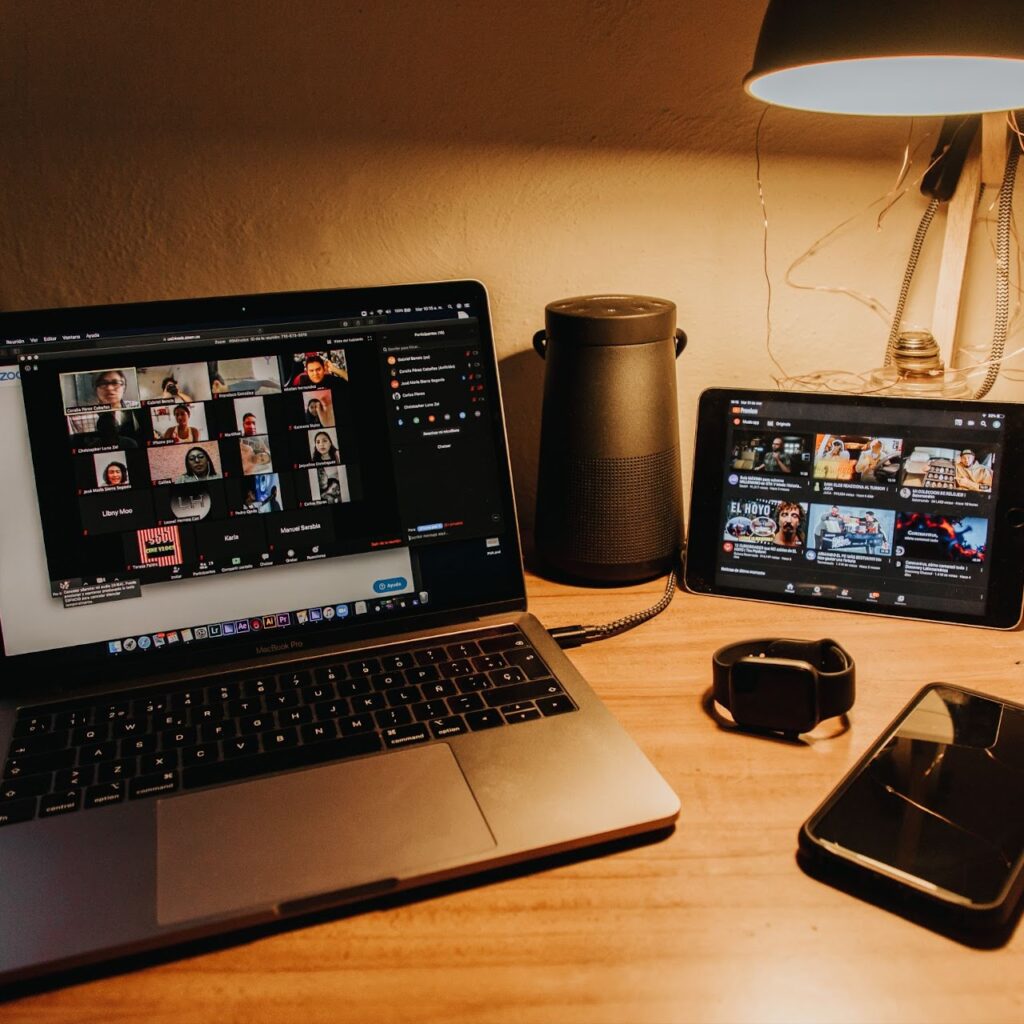
HOW TO JOIN A LIVE SESSION To join a Live Session, students will connect through the professor’s Zoom Meeting Link found in the following 3 (three) locations: 1 . Within your Canvas Course Assignment Navigate to the Live Session Assignment Page Scroll to the very bottom of the page Click Join Live Session Remain […]
Late Work

WHEN IS LATE WORK NOT ACCEPTED When it is submitted beyond 48 hours after the due date If it’s a Discussion Board posting If it’s a Live Session Make-Up assignment If the assignment is due Monday at 11:59 p.m. Pacific Standard/Daylight Time, Week 8 If the assignment specifically states in Canvas that late work will […]
Improving Your Course Grade

WHAT TO DO IF YOU RECEIVE A DISAPPOINTING GRADE Do you understand why you received the grade that you did? Review and reflect upon any professor’s comments. If you are still lacking clarity, request a meeting with the professor. When meeting with a professor, remember that it’s the student’s job to drive the meeting – […]
Discussion Board

DISCUSSION BOARD GOALS In order to receive the most benefit from this course, students must have a strong, engaging, and interactive presence on the Discussion Board. The Discussion Board environment will be a place of robust academic interchange amongst the students and the instructor. It will also incorporate outside resources relevant to the Week’s subject […]
Communicating With the Instructor

HOW TO CONTACT THE INSTRUCTOR Generally, the instructor will be available immediately after each Live Session to meet with students. Additionally, students are encouraged to send a message to the instructor through Canvas’s direct messaging tool with any questions and/or to set up a mutually convenient appointment. Remember to use a proper salutation in your […]
Citations

APA Style The Trinity Law School MLS Program uses the American Psychological Association (APA) citation style. This website provides helpful guidance regarding how to provide citations using the APA style. This website provides guidance on citing legal references, which you will frequently do in your MLS writing assignments. HELPFUL TIP When working on an assignment […]
Academic Engagement & Preparedness

ACADEMIC ENGAGEMENT In an online course such as this one, academic engagement is the equivalent of attendance in an in-person course and is defined as qualified academic events. Failure to complete a Qualified Academic Event in an online course is the equivalent of an “absence” in an in-person class. In extenuating circumstances, a student may […]